A multi-language B2B portal lets a brand serve distributors across the EU from one storefront without forcing everyone into a single working language. For wholesale teams, that means fewer email order sheets, clearer catalogues, and less confusion at checkout—while finance still gets consistent orders and invoices.
This guide covers what to localise first, how PIM for wholesale product data feeds languages into the storefront, and the UX pitfalls that show up when one brand serves many markets.
What is a multi-language B2B portal?
A multi-language B2B portal is a distributor portal (a logged-in wholesale ordering environment) that presents navigation, product information, workflows and transactional messages in more than one language, while account rules, assortment and pricing stay controlled by the brand.
It is not a public marketing site with a translate button. Buyers are approved retailers and distributors. They expect their language on the labels that drive ordering—SKU names, pack hierarchy, MOQ notes, cart and order status—not a rough overlay on English screens.
Localisation is the broader job of adapting the experience to a market; translation is only the words. In wholesale, localisation also covers which attributes you show, how case packs are described, which policies apply, and which currency and tax treatment the account already carries.
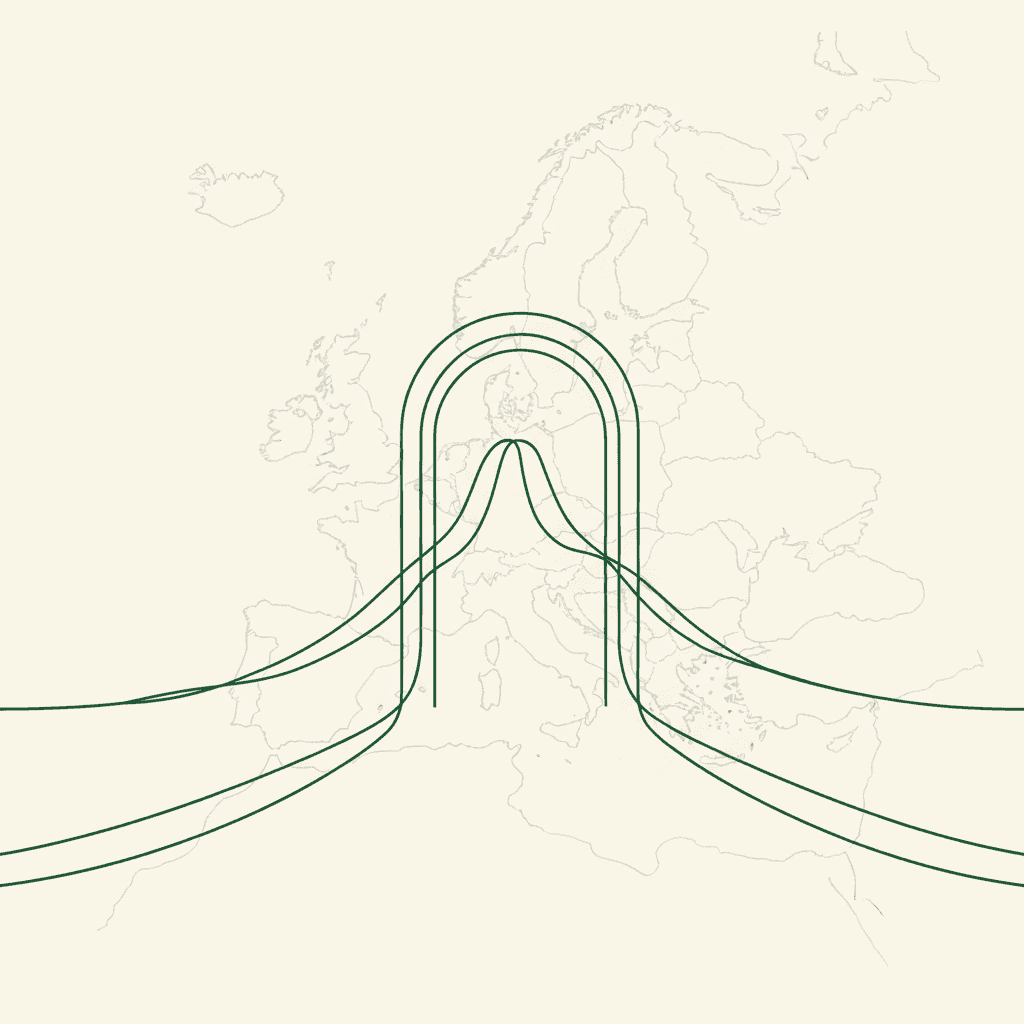
 Simplified map of Europe with language paths converging on one storefront
When is one portal with language switch better than separate market sites?
One portal with a language switch is usually better when you run a single wholesale network, shared assortment logic and central credit control. Separate country sites multiply logins, duplicate catalogue maintenance and make it harder to see one distributor’s full relationship with the brand.
Separate sites can still make sense when assortment, brand positioning or legal entities truly differ by country. For most SMB and mid-market EU brands, a single branded B2B storefront with language choice, account-based pricing and clear market rules is easier to operate than a cluster of near-duplicate shops.
Language switcher basics
A language switcher is the control that lets a user pick the UI language. In B2B it should:
- Stay visible after login (buyers forward links to colleagues).
- Change UI chrome and product content together, not one without the other.
- Remember the preference on the account or browser without silently changing legal entity, currency or tax treatment.
- Show native language names (e.g. “Svenska”, “Deutsch”) so people find their option quickly.
Pair the switcher with a fallback language: the language you show when a field is missing a translation. Fallback should be explicit in your operating model (often English or the brand’s home language), never a blank label.
What should you localise first in a wholesale distributor portal?
You should localise first the surfaces distributors touch on every order: navigation labels, search and filters, product titles and attributes, cart and checkout, and transactional email. Marketing storytelling can follow once ordering is clear.
How do nav, attributes, policies and emails differ by language priority?
They differ by how often buyers rely on them to complete an order without calling sales.
| Surface | Priority | Why it matters |
|---|---|---|
| Navigation labels & filters | Critical | Buyers cannot find ranges if menu terms are only in one language |
| Product titles & core attributes | Critical | Pack size, material, variant and case quantity drive correct ordering |
| Cart, checkout, order status | Critical | Mistakes here become wrong POs and support tickets |
| Order confirmation emails | High | The PO trail finance and warehouse will trust |
| Returns, shipping and credit policies | High | Prevents disputes; link from account area |
| Terms and conditions | High (process carefully) | Binding text; see legal section below |
| Long-form brand stories / lookbooks | Medium | Useful, but secondary to clean ordering |
| Training / help articles | Medium | Localise as ticket volume shows need |
Product attributes are structured fields (colour, net content, case pack, allergens, materials, care, voltage, and so on). Translating attribute values without a controlled vocabulary creates near-duplicates (“navy” / “dark blue”) that break filters. Translate the display labels and approved value lists in PIM, not as free text in the portal.
Navigation labels should match how trade buyers talk in that market, not a literal word-for-word of your HQ menu. Keep information architecture stable across languages so support scripts and training stay aligned.
Order confirmation emails should mirror the portal language the buyer used for the order, include SKU identifiers that stay language-neutral, and repeat pack quantities in plain terms. For a practical checklist of content to include, see what to put in a wholesale order confirmation.
How does PIM feed languages into a B2B storefront?
PIM (product information management) is the system that holds product content as structured, reusable data—including language variants—so channels can subscribe to one source of truth. The storefront should render what PIM (and your pricing/ERP stack) already knows, not become a place where sales pastes translations.
A clean pattern looks like this:
- Master each SKU once with stable IDs, pack hierarchy and channel flags.
- Store per-language fields for title, short description, attribute labels/values and selling notes.
- Mark completion by language so the portal can fall back instead of showing empty blocks.
- Publish to the multi-language distributor portal on a schedule or event, with the same IDs finance already uses.
- Keep prices and tax out of PIM copy—those belong to commercial and finance rules tied to the customer account.
 Product data hub radiating translated attribute cards toward a portal screen
Without PIM discipline, each new EU market becomes another spreadsheet of descriptions that drifts from the warehouse SKU list. With it, launching a language is mostly filling missing fields and validating filters—not rebuilding the catalogue.
Should legal terms and conditions be fully translated?
Legal terms and conditions should be available in a language your counterparties can work with, but wholesale brands should not treat machine-translated T&Cs as equivalent to counsel-approved text. B2B contracts often allow more freedom to choose contract language than consumer-facing sales, but mandatory local or EU rules can still apply depending on the governing law and the contract type.[2]
Practical approach:
- Maintain a counsel-approved master and authorised translations for markets where you actively contract.
- Show T&Cs in the portal language when a validated translation exists; otherwise show the master language and state which version prevails.
- Localise operational policies (returns windows, claim photo rules, cut-off times) more aggressively than statute-heavy clauses—buyers use those operational pages during real disputes.
- Keep acceptance logging (who accepted which version, when) with the account record.
Use a structured wholesale terms and conditions checklist so legal, ops and the portal team are editing the same outline—not three divergent PDFs.
What UX pitfalls hit brands serving multiple EU markets?
The common pitfalls are mixed languages on one screen, currency drifting away from language, over-translated SKU codes, weak fallbacks, and ignoring B2B wholesale portal UX expectations that trade buyers bring from other suppliers.
Watch for:
- Half-translated checkout — buttons in the local language, error messages in English, invoice PDF in a third variant.
- Language tied incorrectly to country — a Finnish buyer for a Swedish billing entity may still want Finnish UI; do not hard-wire language only to ship-to country.
- Translated identifiers — internal SKUs, GTIN/EAN and case codes should stay constant; translate descriptions only.
- Attribute filter collapse — untranslated values fragment facets so “Size” filters only work in the master language.
- Email threads that ignore order language — confirmations, backorder notices and credit notes should follow the order’s language where possible.
- One mega-menu copied literally — markets with smaller assortments still see empty or irrelevant branches because navigation was never trimmed by assortment rules.
- No account default — multi-user distributors need a company default language plus per-user override.
 Language switcher beside a clean wholesale cart with consistent labels
Cross-border B2B portal UX is less about decorative flags and more about predictability: every label in the order path should be intentional, and every missing translation should fail over cleanly.
How do multi-language portals work with multi-currency and VAT?
Multi-language portals work with multi-currency and VAT when language is a presentation preference, while currency, price list and tax treatment stay anchored to the customer account and legal setup—not to whichever language was clicked last.
In practice:
- Multi-currency catalogues present the prices the account is entitled to see; the UI language should not silently swap the commercial price list.
- VAT-aware invoicing follows registration, reverse-charge logic and invoice rules for that account; translated invoice labels must still match the financial document your accounting system issues.
- Order documents should show amounts, currency codes and tax lines unambiguously even when surrounding prose is localised.
If you are still designing that commercial layer, read the guide to multi-currency B2B pricing alongside your language rollout so ops does not treat “DE language” as a proxy for “EUR German price list.”
EU distributor network languages
The European Union has 24 official languages, and distributor networks often span several of them even when your first wave is smaller (for example English plus your home Nordic language, then German, French or Spanish as the network grows).[1] You do not need every official language on day one. You need a backlog ordered by order volume, support burden and partner feedback—and a PIM process that can add a language without replatforming.
Operating model: who owns what
Sustainable B2B portal localisation is an operating model, not a one-off translation project.
- Product / PIM owns attribute dictionaries and language completeness.
- Commercial owns which assortment and price lists each account sees.
- Finance owns tax text on invoices and credit notes.
- Legal owns T&Cs and prevailing-language clauses.
- Customer ops owns email templates, returns copy and the fallback policy.
- Sales flags markets where poor language is blocking adoption—not by editing live product copy in the portal.
That split is one of the quieter distributor portal advantages: self-serve ordering only scales if content ownership is clear.
A practical rollout sequence
- Pick launch languages from real distributor volume and support load.
- Freeze attribute dictionaries and pack terminology before bulk translation.
- Localise navigation, PDP essentials, cart/checkout and order emails.
- Connect PIM completeness checks to what the storefront may publish.
- Set fallback language and empty-state UX.
- Add counsel-reviewed policy and T&C translations where you contract.
- Train sales and support on which language the account should use.
- Review search queries and failed filters per language after go-live.
For Nordic and EU brands that want one storefront with catalogue control, language choice, multi-currency catalogues and VAT-aware ordering in the same place, Brandgate is built as that kind of branded distributor portal rather than a patchwork of spreadsheets and separate country shops.
If you are weighing the next step, book a demo or see pricing.
 Single branded portal serving multiple distributor desks in different languages